サイトを開く
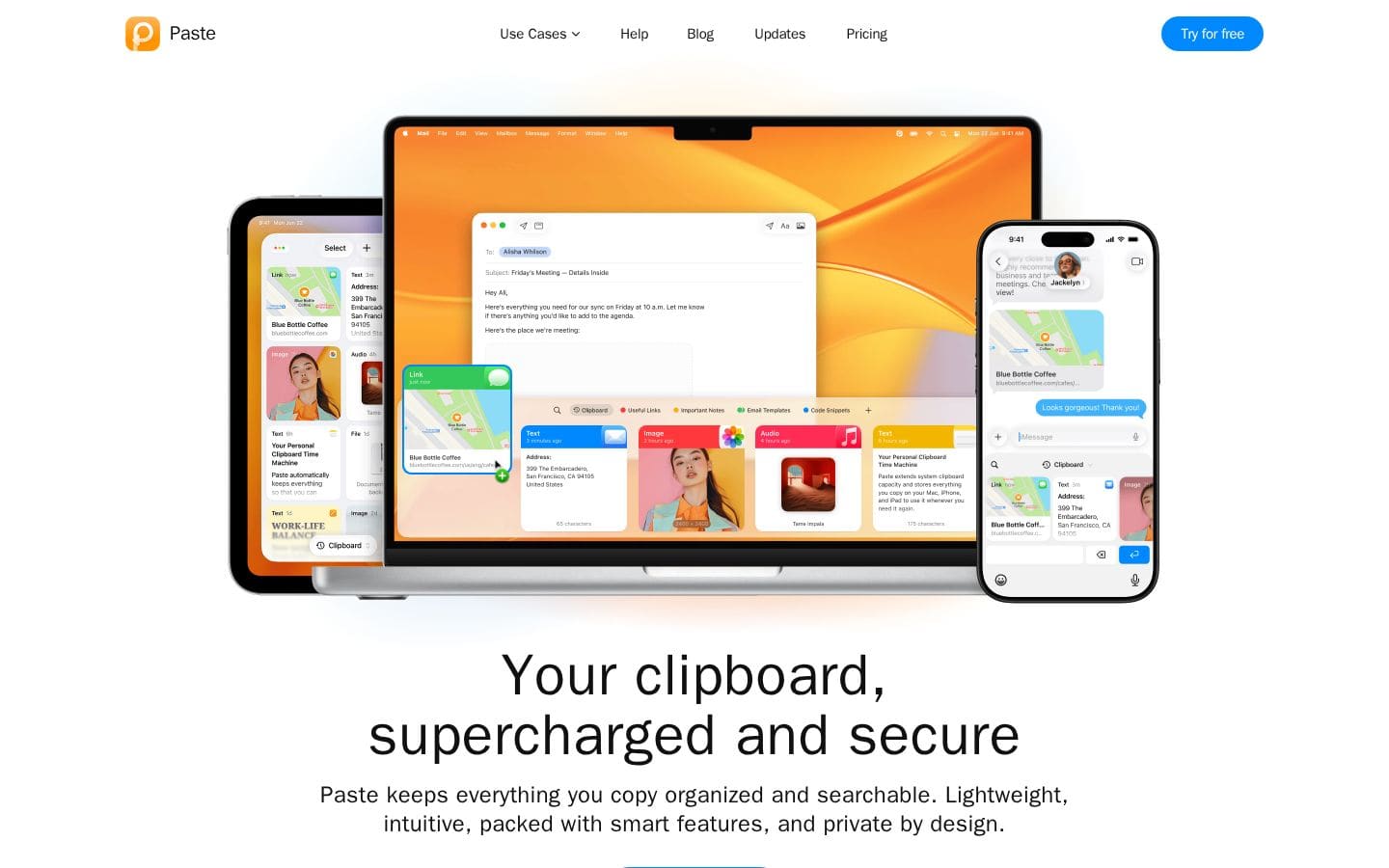
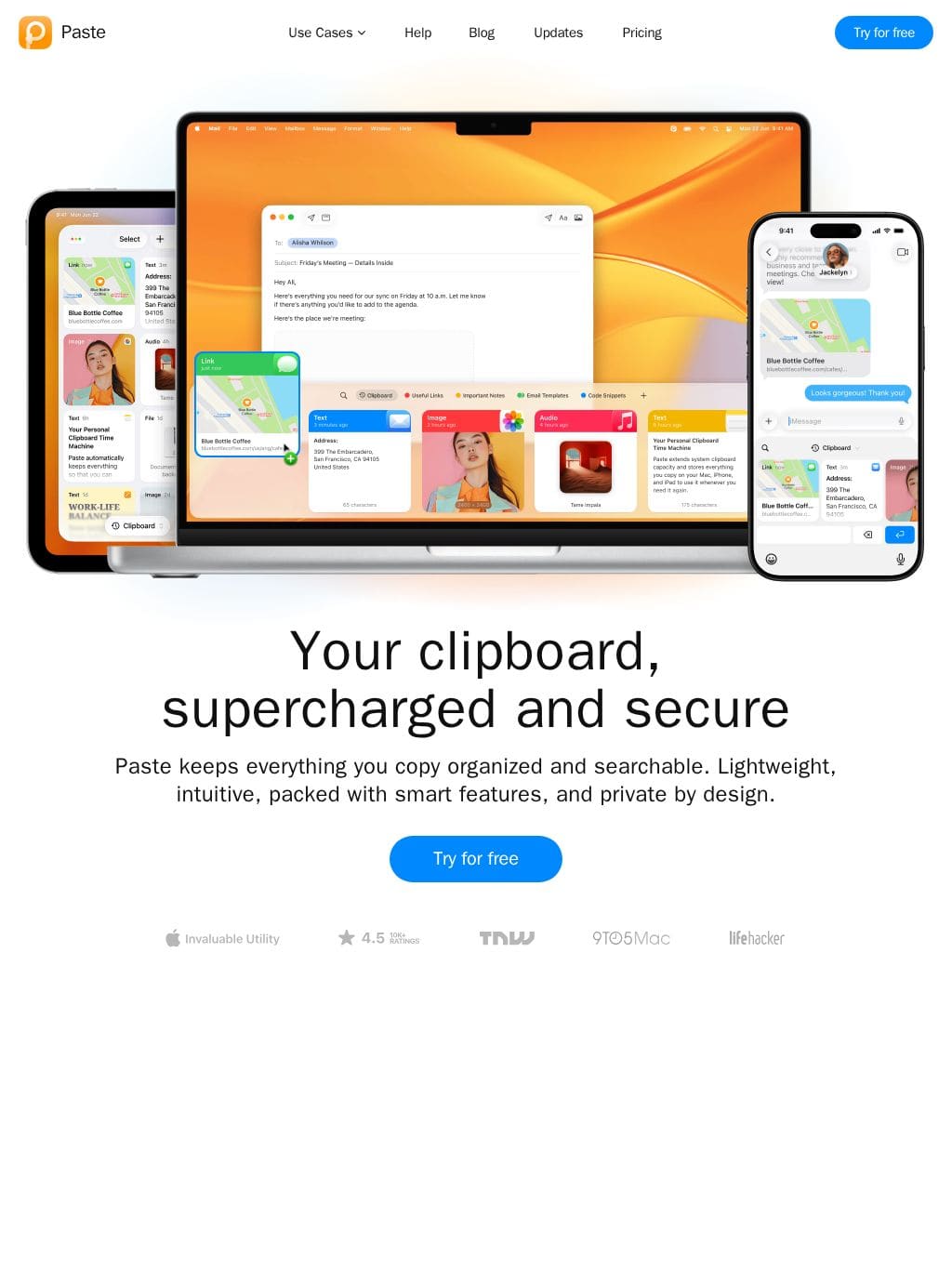
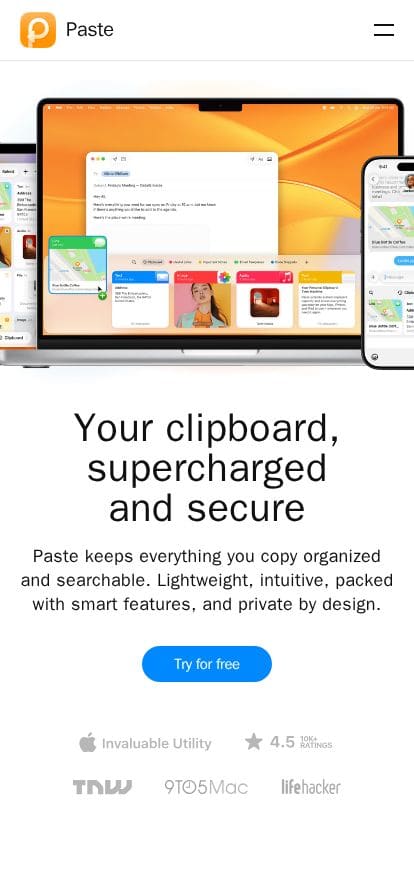
Privacy-first, lightning fast, searchable, and avaialbe across all devices. Save snippets, sync securely, and boost productivity with smart shortcuts and instant paste history.
USE CASES Everyone Developers Designers Content & Marketing RESOURCES Help Blog Contact Updates Pricing Try for free Paste Your clipboard, supercharged and secure Paste keeps everything you copy organized and searchable. Lightweight, intuitive, packed with smart features, and private by design. Try for free Do more with what you′ve already done KEEP Infinite clipboard history SEARCH Find anything you copied on any device ORGANIZE Quickly access what you need frequently COLLABORATE Share your pinboards and work together Sync across all devices Access your data on any of your Mac, iPhone, and iPad at any time. Privacy by design Your data never leaves your device or your private iCloud. Powerful features to boost your productivity Many ways to Paste Paste multiple items in the order you choose. Keep the original formatting or switch to plain text. Custom rules Choose what to keep and what to exclude. Specify rules for apps with sensitive data like passwords. Preview and edit Preview your links, images, and files. Edit your copied text without leaving Paste. Hey, Siri Automate more routine work by combining Paste with Siri Shortcuts. iOS Keyboard For easy access when you type, use Paste Keyboard on your iPhone and iPad. A better clipboard for everyone Whether you do it for work or just for fun, do it faster with Paste. Developers Copy a code snippet from Stack Overflow, then copy another without overwriting the first. With Paste, all your code snippets are saved and neatly organized. Designers Just as any great artist keeps their palette close at hand, Paste enables you to quickly retrieve colors, icons, styles, and other assets whenever you need them. Content and Marketing Never lose a chunk of text you forgot to paste back. Save creative taglines, SEO keywords, and anything else that aids your process. Say more with Paste. Sales and Support Store email templates and canned replies, and quickly access your most-usedDesign Tokens(DOM解析データ)
このサイトを 1440×900 でレンダリングして、実際のCSS値から自動抽出した数値データです。「同じ感じ」を再現する材料になります。
カラーロール
Background
#f5f5f7Text
#000000Color #1
#000000Color #2
#101010Color #3
#0000eeColor #4
#ffffffColor #5
#ababb0タイポグラフィ
| 要素 | Font | Size | Weight | Line | Tracking |
|---|---|---|---|---|---|
| h1 | system-ui |
60px | 700 | 62px | 0.6px |
| h2 | system-ui |
54px | 700 | 52px | 0.6px |
| h3 | system-ui |
40px | 700 | 42px | 0.4px |
| 本文 | system-ui |
20px | 600 | 16px | -0.4px |
| リンク | sans-serif |
12px | 400 | normal | normal |
使用フォント頻度
sans-serif704箇所
system-ui93箇所
Inter3箇所
スケール・形状
- 角丸スケール
- 10px / 100px / 40px / 32px / 9px / 8px / 24px / 20px
- シャドウ
- 5パターン使用