
 サイトを開く
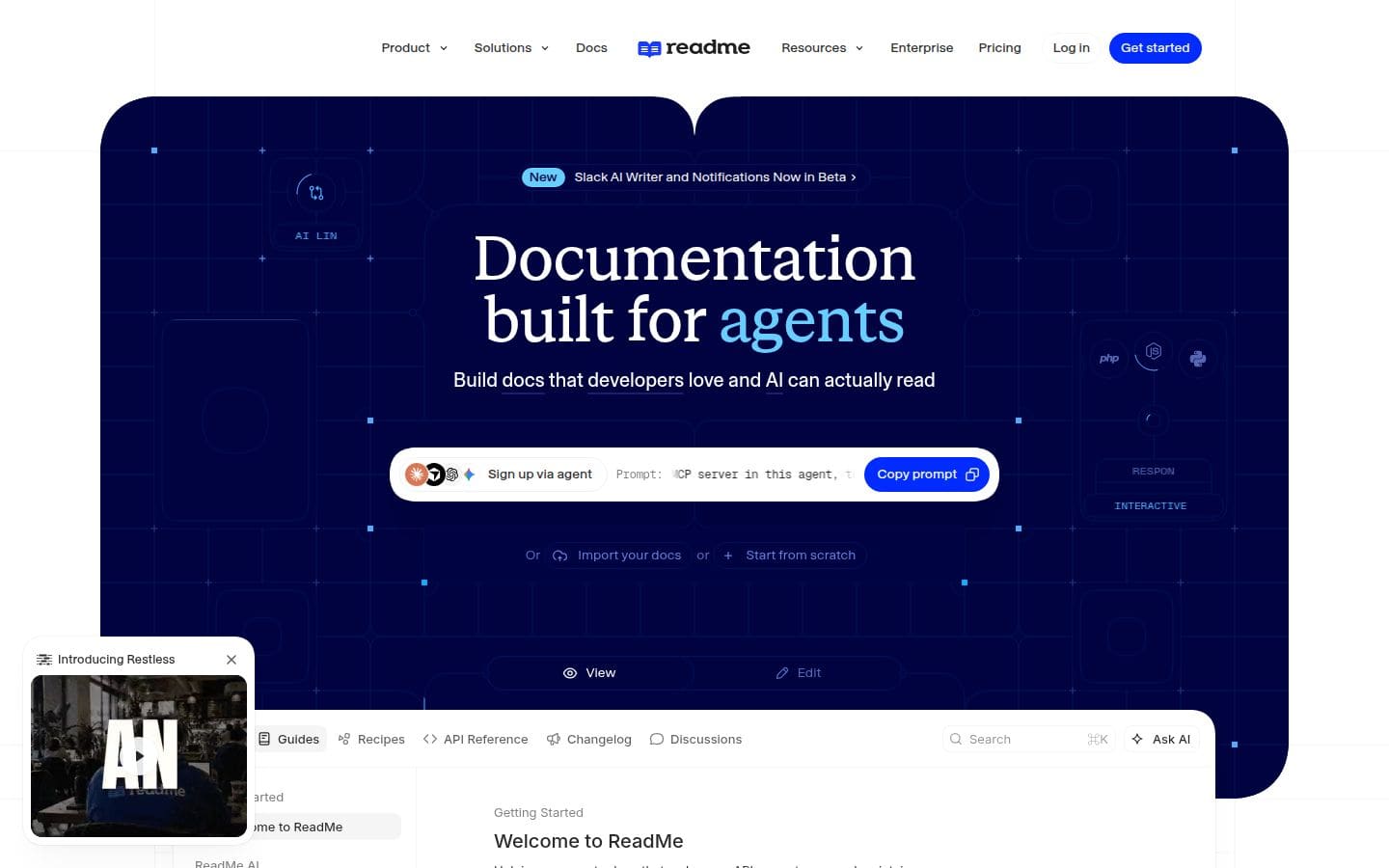
ReadMe helps you create beautiful, interactive API documentation that developers love.
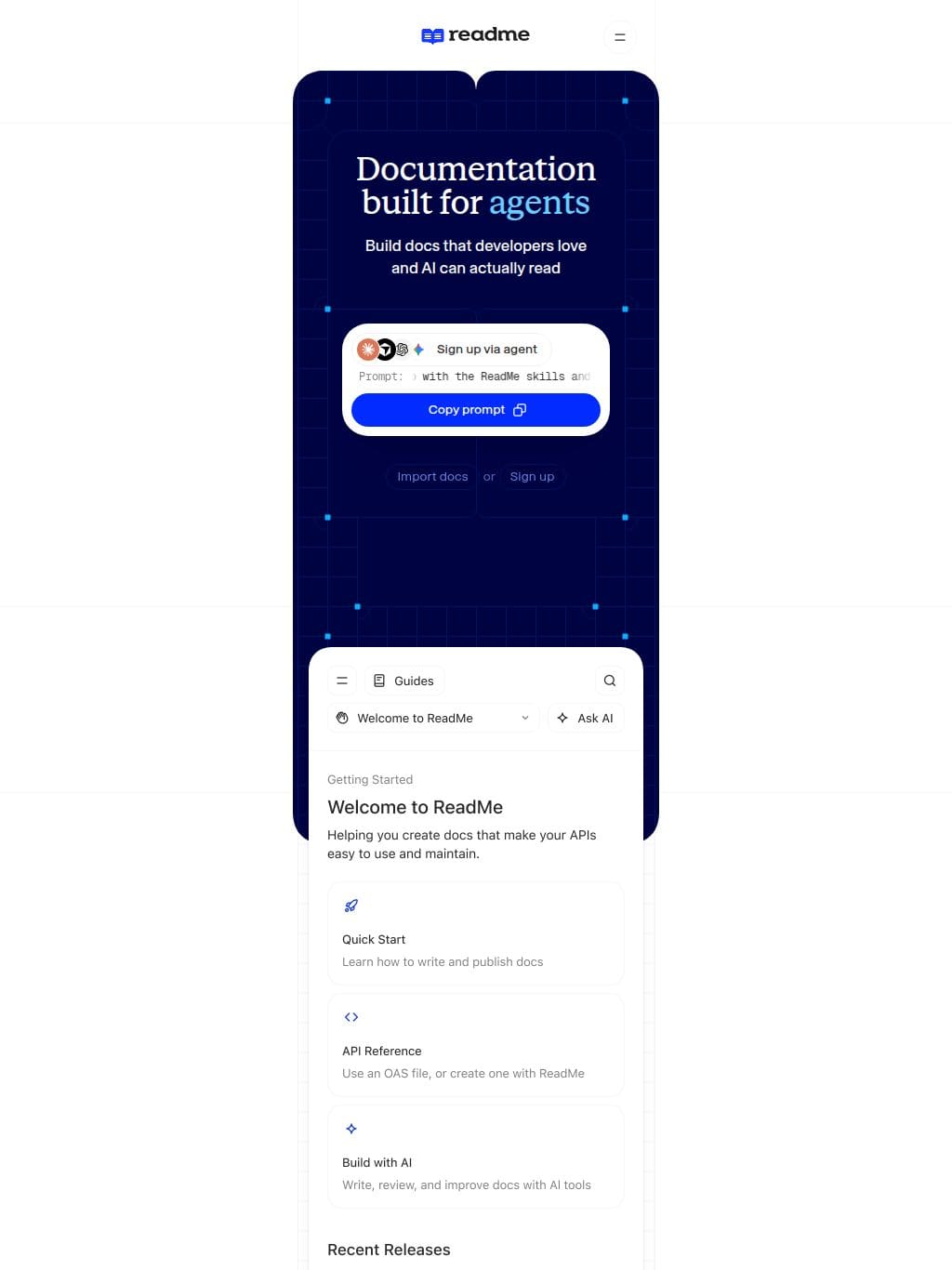
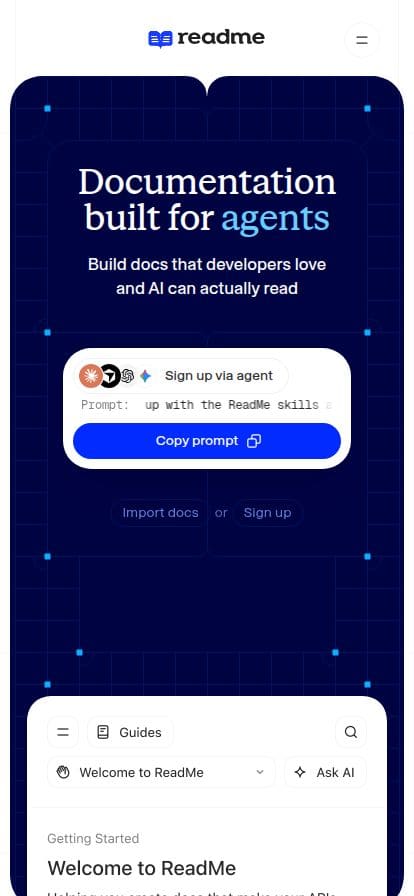
Documentation built for a g e n t s Build docs that developers love and AI can actually read Sign up via agent Prompt: Set me up with the ReadMe skills and MCP server in this agent, then help me create my ReadMe project. Set me up with the ReadMe skills and MCP server in this agent, then help me create my ReadMe project. Copy prompt Import docs or Sign up OUR CUSTOMERS Trusted by teams who know good docs drive adoption NVIDIA, Amazon, PagerDuty, and thousands of other teams trust ReadMe to turn their documentation into a product developers actually want to use THE FULL STACK Everything to build great docs API Doc Help Center Technical Doc SDK Doc API Reference Auto-generated from your API spec. FEA. [02] Ask AI Instant AI answers, powered by your docs. FEA. [03] Metrics See how developers use your API. FEA. [04] Versioning Sync docs across every product release. FEA. [06] Recipes Step-by-step code guides for APIs and SDKs. 1 2 3 FEA. [11] “I am loving ReadMe! It was so easy to build and deploy our docs, and the team is really happy with the results thus far.” Andrea Madero Head of Product @XFX BEHIND THE SCENES Designed for your team, built for your workflow CREATING DOCS Write in the browser, or your IDE or our AI writer Write your docs in a WYSIWYG editor Open our WYSIWYG editor and drag, drop, and style your docs with interactive elements. What you see is exactly what your users get. BRAND COLOR: #4FACFF developers.yourcompany.com View Edit Getting Started Welcome to your docs Helping you create docs that make your APIs easy. Type markdown or / to insert a block Quick Start Learn how to get started with our product API Reference Explore endpoints and build your integration Works where you do Bi-directionally sync with GitHub, GitHub Enterprise Server, and GitLab. Review, approve, and merge Git branches directly in ReadMe. $ GIT CLONE GIT@GITHUB.COM:README/DOCS.GIT request-and-owl.mdx create-your-project.mdx 1## Create Your Project 🎨 2 31. Sign into your ReadMeReadMe · Developer-friendly API documentation
関連サイト
D 8
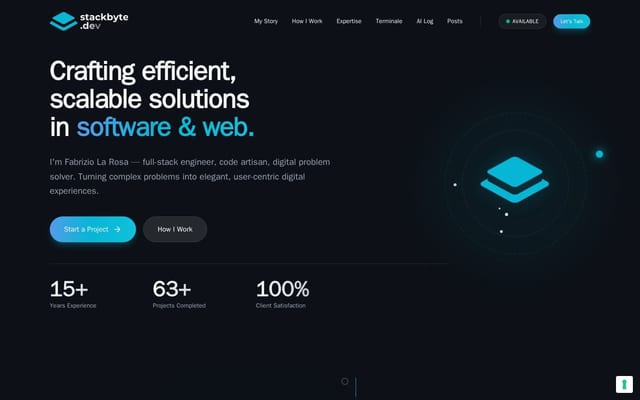
Stackbyte
Fabrizio La Rosa is a Full Stack Engineer and Software Architect with 15+ years…
D 9
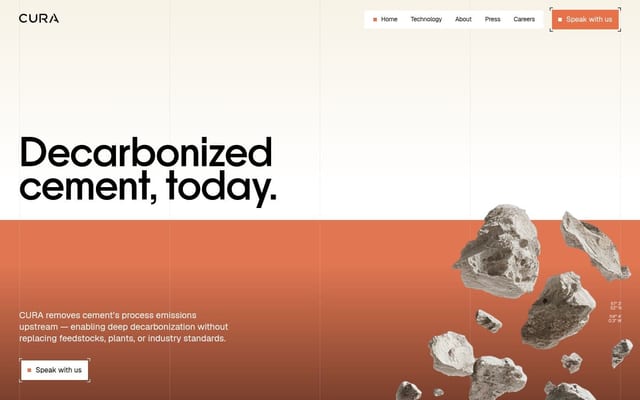
Decarbonized Cement Technology | CURA Climate
CURA removes cement's process emissions upstream with electrochemical technolog…
D 6
TO2KYO2
開発者ツール · ブランドサイト
D 7
Application error: a client-side exception has occurred
開発者ツール · 🇯🇵 日本 · コーポレートサイト
D 7
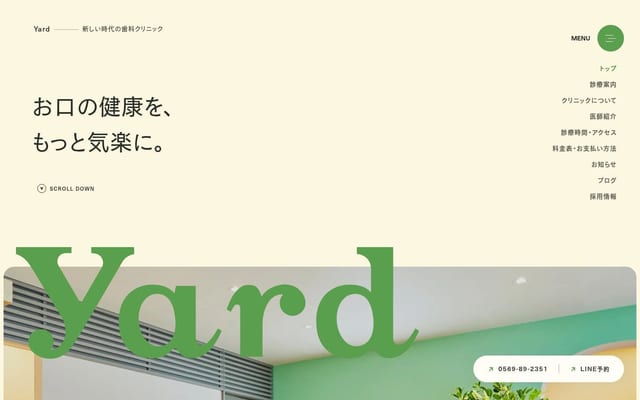
Yard Dental Clinic | 半田市の歯医者
愛知県半田市・名鉄知多半田駅前に新しい歯科医院、Yard Dental Clinicが2024年1月オ…
D 7
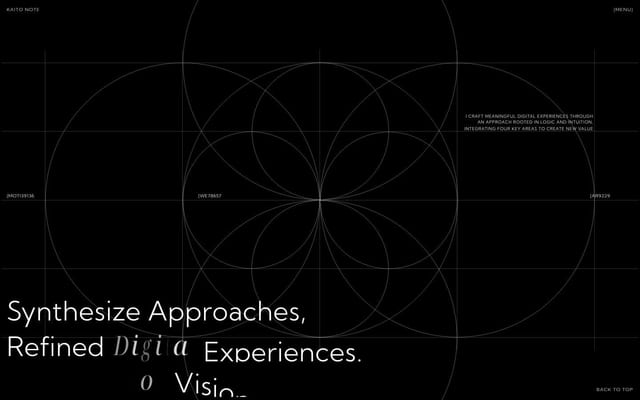
Kaito Note
Motion Designer & Web Developer. Based in Osaka, Japan. Crafting unique and ref…
D 6
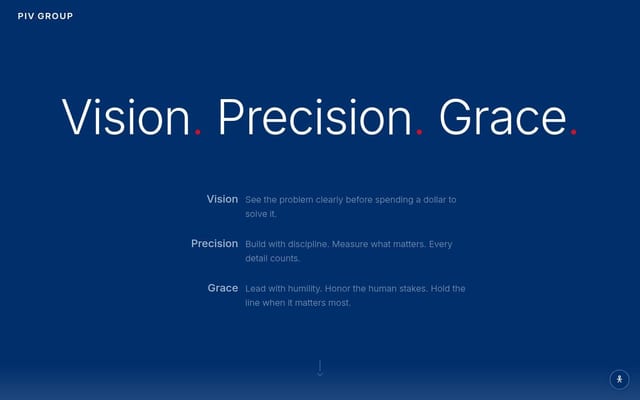
PIV.GROUP
Pareto Impact Ventures structures high-stakes impact investments for family off…
D 6
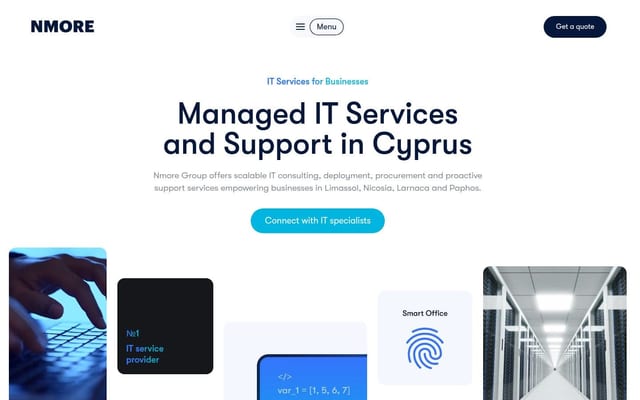
Nmore Group
Nmore Group offers scalable managed IT services, IT consulting, infrastructure …